For players who prefer a phone or tablet, mobile access is mainly about convenience, clarity and dependable account control rather than downloading another application. The betscore casino mobile app experience is delivered through a responsive website, allowing Canadian users to browse casino games, live tables, promotions and sportsbook markets from a mobile browser. The same account, balance and login apply across desktop and mobile sessions, while a home-screen shortcut can make the site easier to reopen. Knowing how this setup works helps you choose suitable games and avoid common mobile frustrations.
How the mobile website works
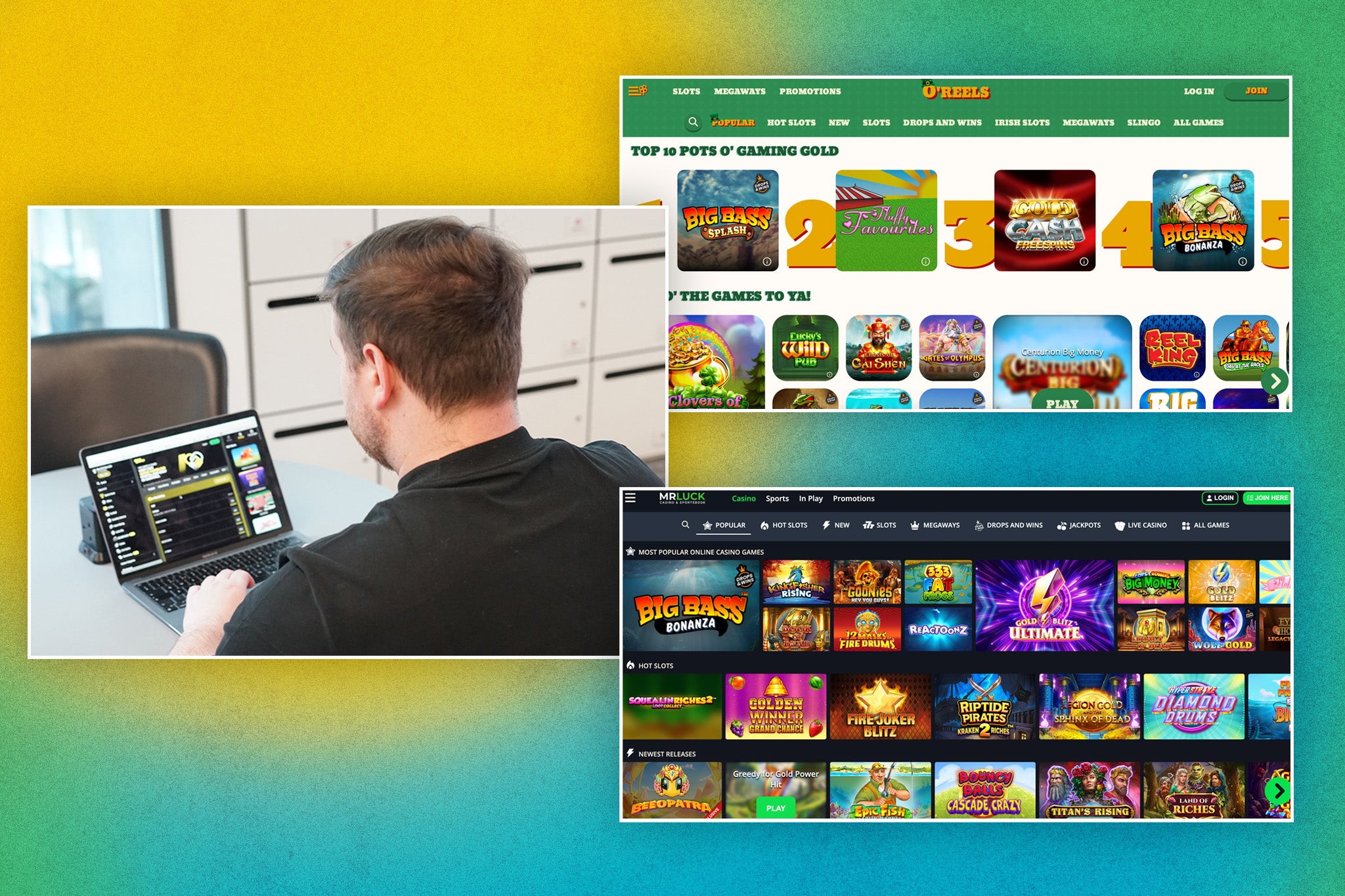
Betscore operates through a responsive mobile website for both iOS and Android devices. This means the layout adjusts to a smaller screen rather than requiring a separate native casino application from an app store. From a compatible mobile browser, users can access casino titles, live casino tables, sportsbook areas, promotions, account tools and cashier functions within the same general interface.
The mobile version is connected to the ordinary Betscore account. Your login details, account balance and relevant activity are shared with desktop browser sessions, so switching devices does not create a separate wallet or mobile profile. This can be useful when beginning a game search on a computer and continuing later on a phone, although users should always sign out on shared devices.
A shortcut can be added to the home screen for quicker access. On Android, the browser menu includes an “Add to Home screen” option; on iOS, the shortcut is created through the Share menu. This shortcut may look and feel more like an app icon, but it does not change the fact that the service runs through the mobile browser. Browser updates, connection quality and device compatibility can therefore affect the experience.
Finding casino games on a smaller screen
A large catalogue can be difficult to browse on a phone, so categories and filters are particularly important. The casino lobby includes sections such as Top, New, Popular, Exclusive, Bonus Buys, Megaways, Live Games, Instant Games, Jackpots, Slots and Table Games. A provider filter is also available, helping users narrow results when they already know which studio or style they want to explore.
For example, someone looking for a short session might compare instant games, while another player may prefer traditional slots, jackpot titles or table games. The catalogue lists providers including Spinomenal, Yggdrasil, BGaming, Amusnet, Playson, Betsoft, Booming Games and others. Not every title will suit every handset, so opening a game’s information and checking how it displays before committing funds is sensible.
Many casino titles offer demo play, which can help users understand the controls and general format without immediately wagering real money. Demo play does not prove a game’s return or predict results, however. Real-money play requires an account and login. Players should also remember that a mobile screen can make buttons feel crowded, so reviewing the stake amount and selected game mode before each round is an important habit.
Live casino and mobile connection quality
The live casino lobby is designed around streamed dealer games and includes roulette, blackjack, baccarat, dice, poker and game-show formats. It also lists international tables and a Gold Saloon section. On a mobile device, live play depends more heavily on connection stability than standard browser games because video and audio must load continuously.
A reliable Wi-Fi or mobile-data connection can reduce interruptions, but no connection is guaranteed to remain stable. Players should be cautious when using limited data plans, particularly during longer live sessions. If a table loads slowly, freezes or loses sound, refreshing immediately may not be the best response; first check whether the connection has dropped and whether the account status or round information is visible.
Screen size also affects how comfortably a live table can be followed. Landscape orientation may provide a wider view on some devices, while headphones can make dealer audio easier to hear in a noisy setting. These are practical preferences rather than confirmed Betscore requirements. If a technical issue persists, the platform directs users to customer support, and including a screenshot of an error can help explain what happened.
Mobile payments, bonuses and account checks

The mobile site includes cashier access, but the available payment choices and limits should be checked at the time of the transaction. Options described for Canadian accounts include Interac e-Transfer, Visa, Mastercard, Skrill, Neteller, Neosurf and selected cryptocurrencies. Availability can differ between deposits and withdrawals, and the cashier provides the relevant method-specific information.
Mobile users should read promotion terms before activating an offer, rather than assuming that a bonus shown on a small screen works automatically. The welcome package is divided across qualifying deposits and includes stated wagering, time-limit, maximum-bet and game-contribution conditions. Some payment methods do not qualify for particular promotions. A request to withdraw can also affect eligibility, so the full terms should be reviewed before a deposit.
Identity checks may be requested under KYC and anti-money-laundering procedures. Betscore’s material describes possible requirements such as government-issued identification, proof of address and, in some cases, proof of the payment method. Deposits or withdrawals may be blocked until requested verification is completed. Use a secure connection, avoid saving credentials on shared devices and contact support if personal information needs correction.
Making mobile sessions safer and easier
Mobile convenience can encourage quick decisions, so basic limits and pauses are worth planning before opening a game. Decide how much time and money is appropriate for the session, then avoid increasing either simply because a result was disappointing. Gambling should not be treated as income, and a winning or losing streak does not indicate what will happen next.
Account controls are available through the platform’s support channels. Players can ask about a temporary break or self-exclusion, and self-exclusion requests can be made by email. The responsible-gaming section also provides links to external support organisations. Anyone under the applicable legal gambling age must not register or play, and users should follow the rules that apply where they live.
For routine mobile problems, check the browser first: clearing cookies and cache or trying another browser may resolve a failed login. Credentials are case-sensitive, and the recovery option can send a reset message to the registered email address. If that message does not arrive or access remains blocked, 24/7 live chat and email support are available. No prominent dedicated phone service is listed for the Canadian offering.
FAQ
Is a native Betscore casino app required on iPhone or Android?
No. The service operates through a responsive mobile website, so a native App Store or Google Play download is not required. Users can create a home-screen shortcut from their browser for convenience, but the shortcut opens the web-based service rather than a separate native casino application.
Can I use the same Betscore account on mobile and desktop?
Yes. The mobile and desktop browser sessions use the same account, login details and balance. This allows users to move between devices without creating a second profile. Avoid saving credentials on shared phones, and contact support if a login problem continues after checking the browser or using password recovery.
What should I do if a mobile game or live table stops working?
Check the internet connection and try another browser if the problem continues. Clearing browser cookies and cache may help with access issues. For an unresolved technical fault, contact customer support and include a screenshot of the error where possible, without sharing your password or other sensitive credentials.